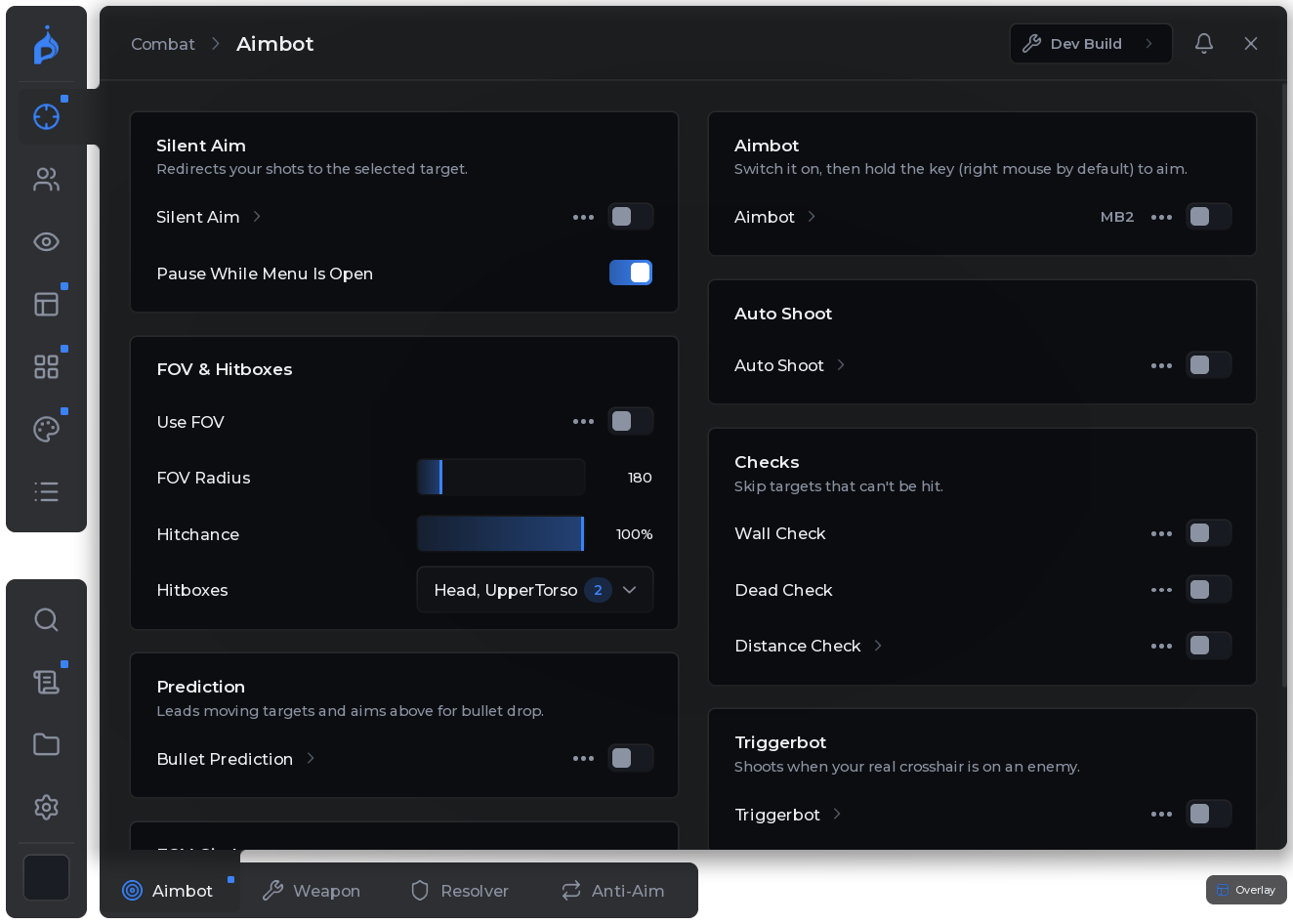
Fig 01 · Combat
Combat
Silent aim and aimbot with bullet prediction, FOV and hit chance, triggerbot and auto shoot - with checks for walls, dead targets and distance.


Showcase · Real captures, no mock-ups
Six tabs, straight from the game. Every picture is the real Pyrix menu - cut out, nothing redrawn.
Fig 01 · Combat
Silent aim and aimbot with bullet prediction, FOV and hit chance, triggerbot and auto shoot - with checks for walls, dead targets and distance.
Fig 02 · ESP
Boxes, health bars, skeletons, chams through walls, out-of-view arrows and text flags. Every part has its own colours, and a live preview shows exactly what you set.
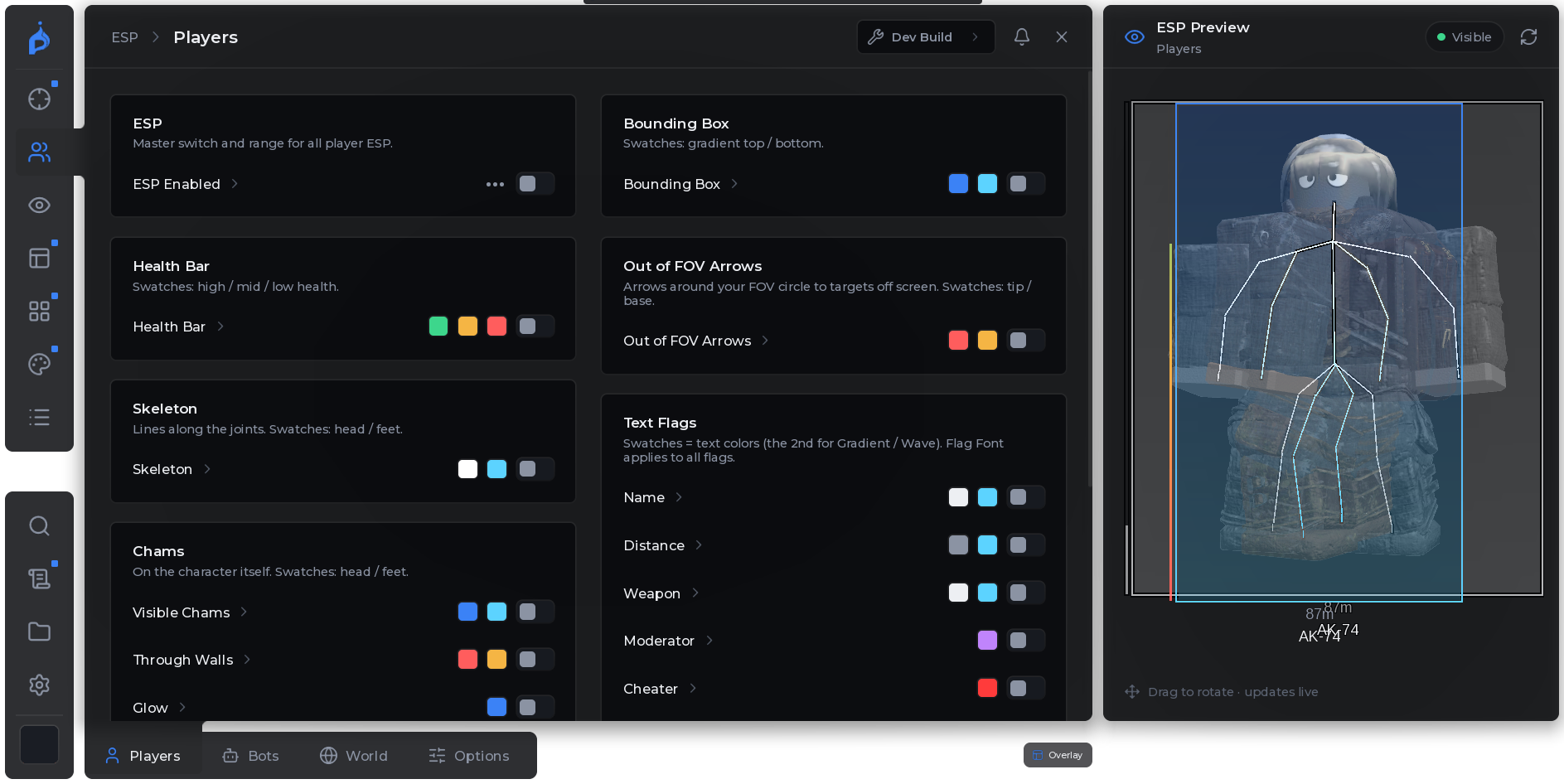
Fig 03 · Visuals
Brightness, fog, ambient light and post processing - Project Delta looks the way you want it to.
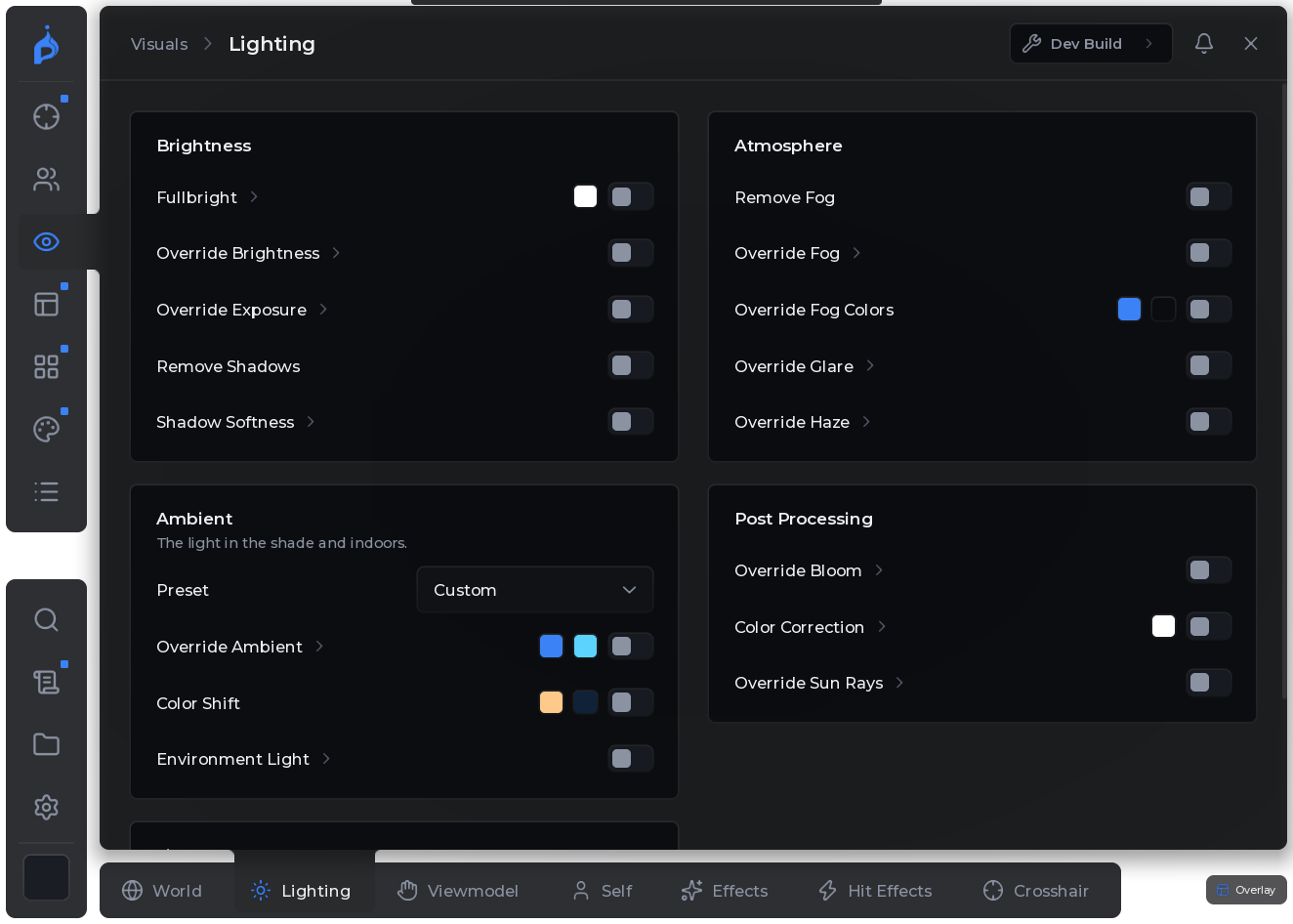
Fig 04 · HUD
Target indicator, inventory viewer, session data and look indicator - overlays you place yourself.
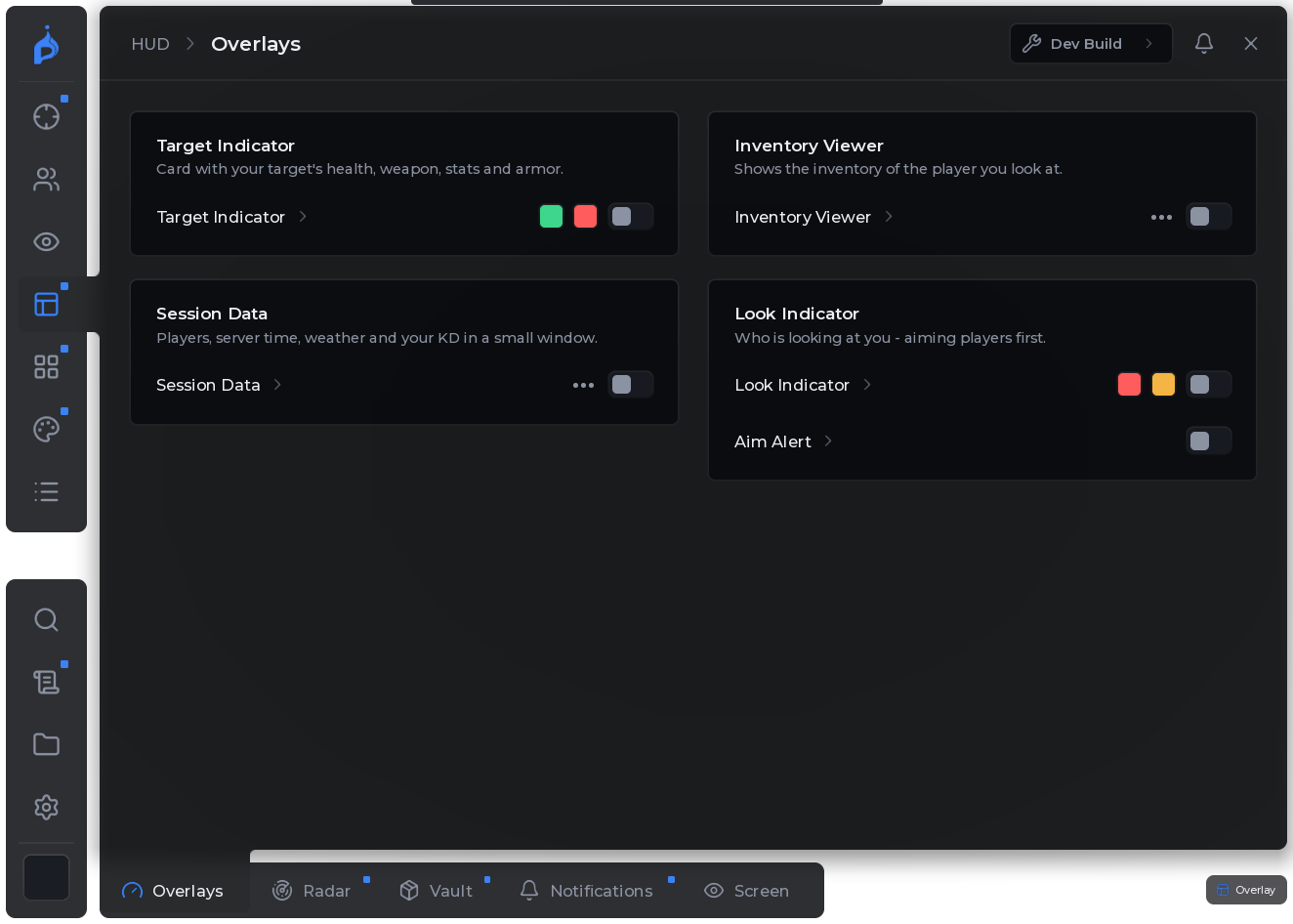
Fig 05 · Misc
Noclip and speed, long jump, physics tweaks and pass-through doors.
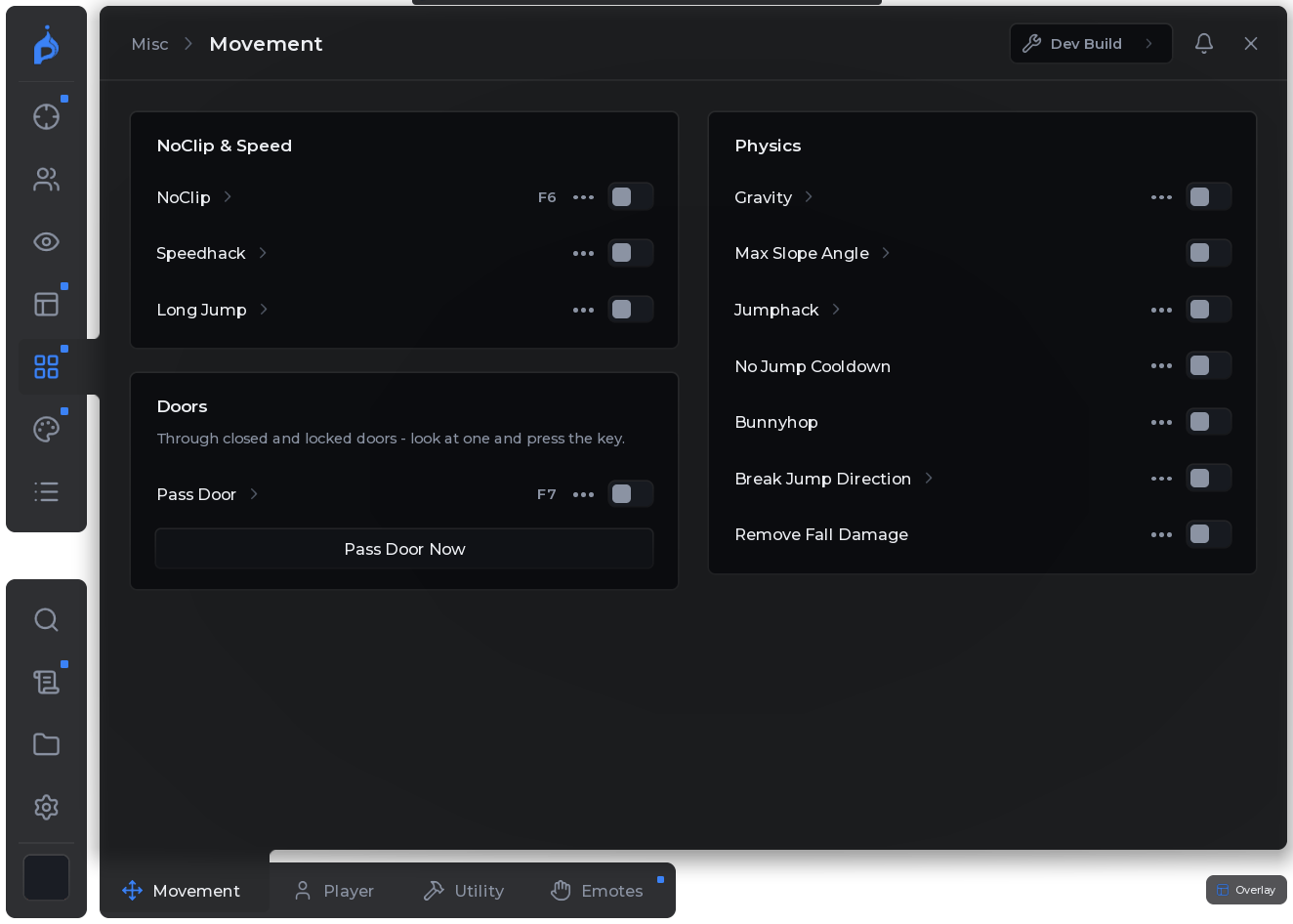
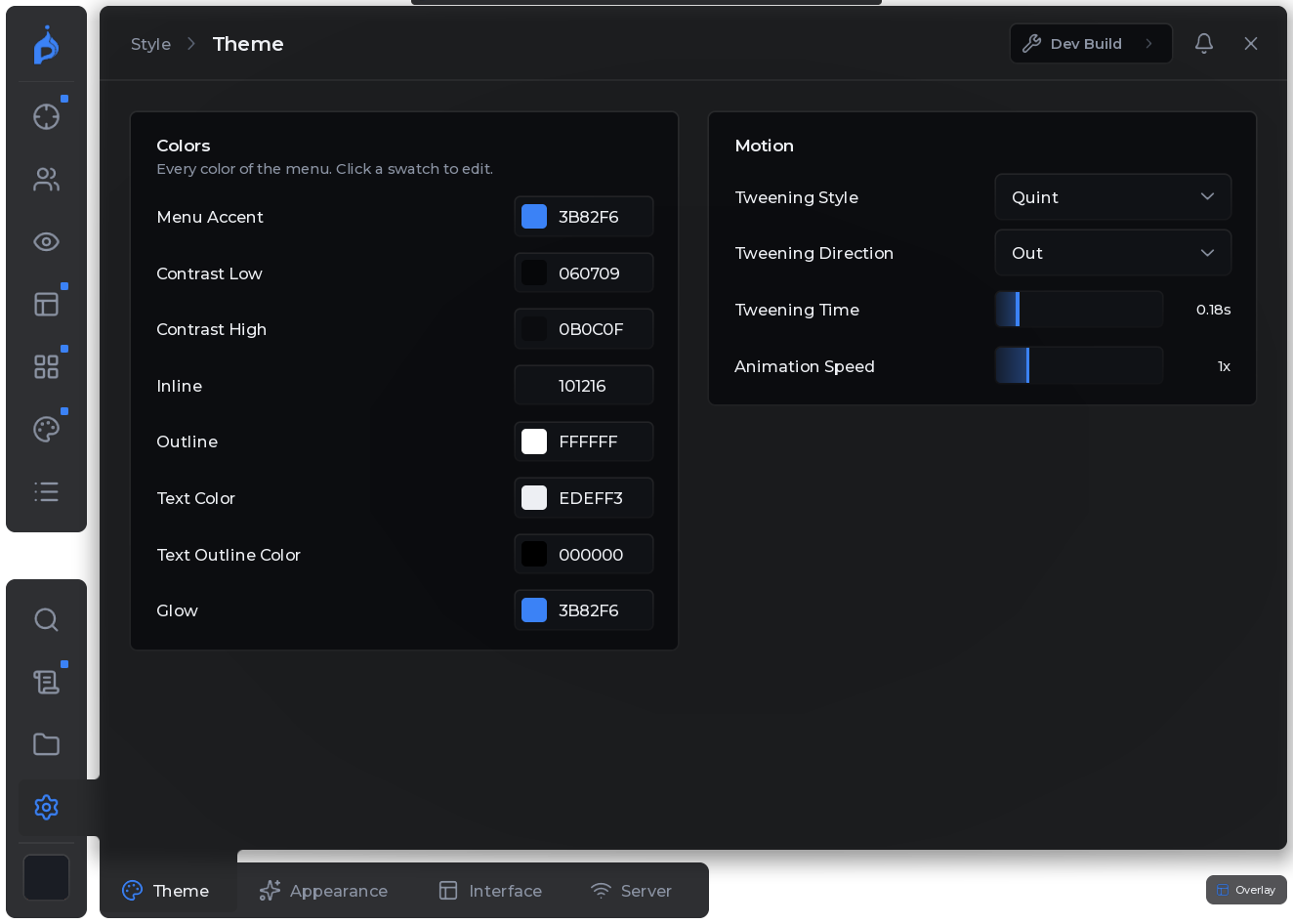
Fig 06 · Style
Accent colours, motion, glass, fonts and the loading intro - the menu is yours.