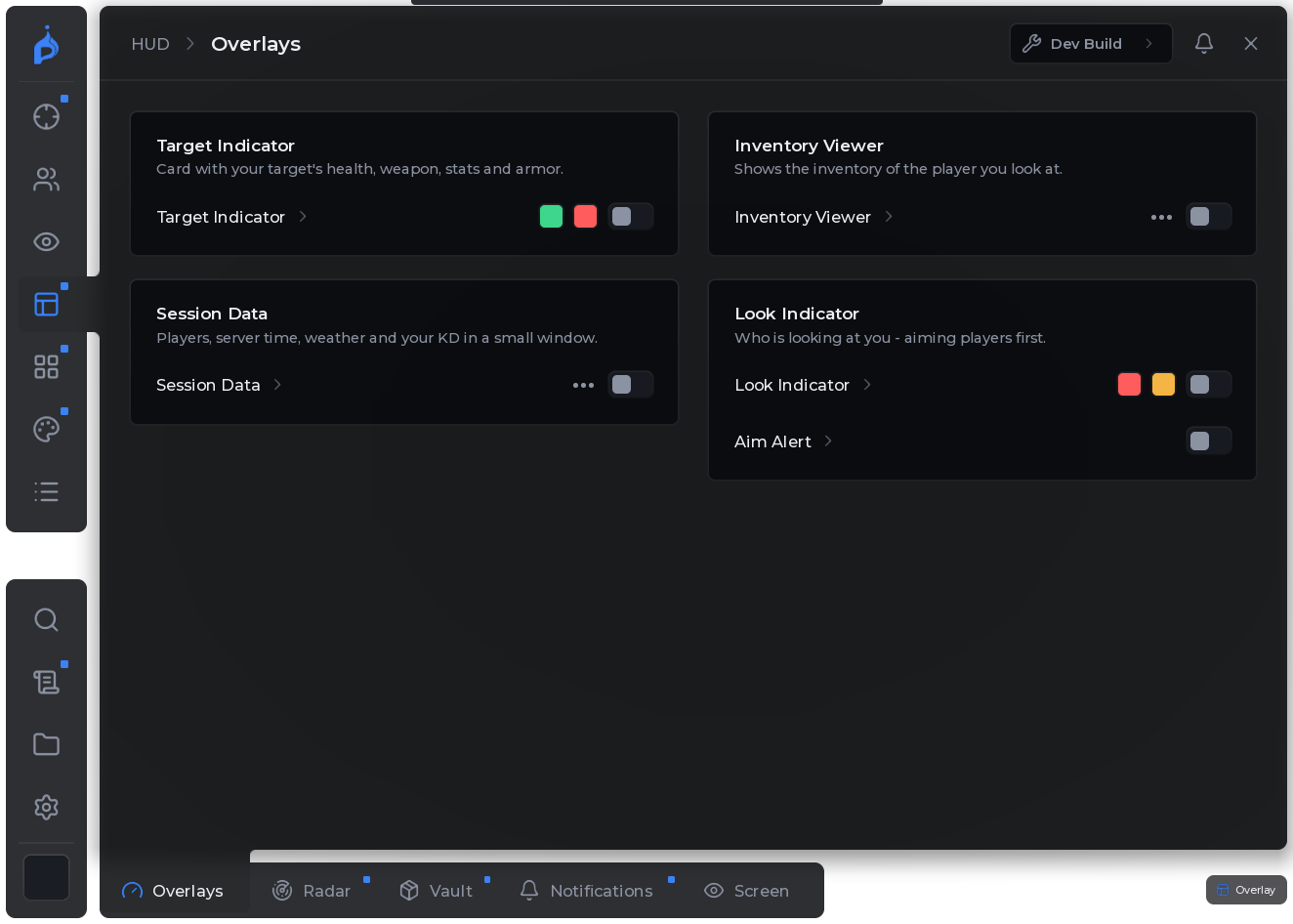
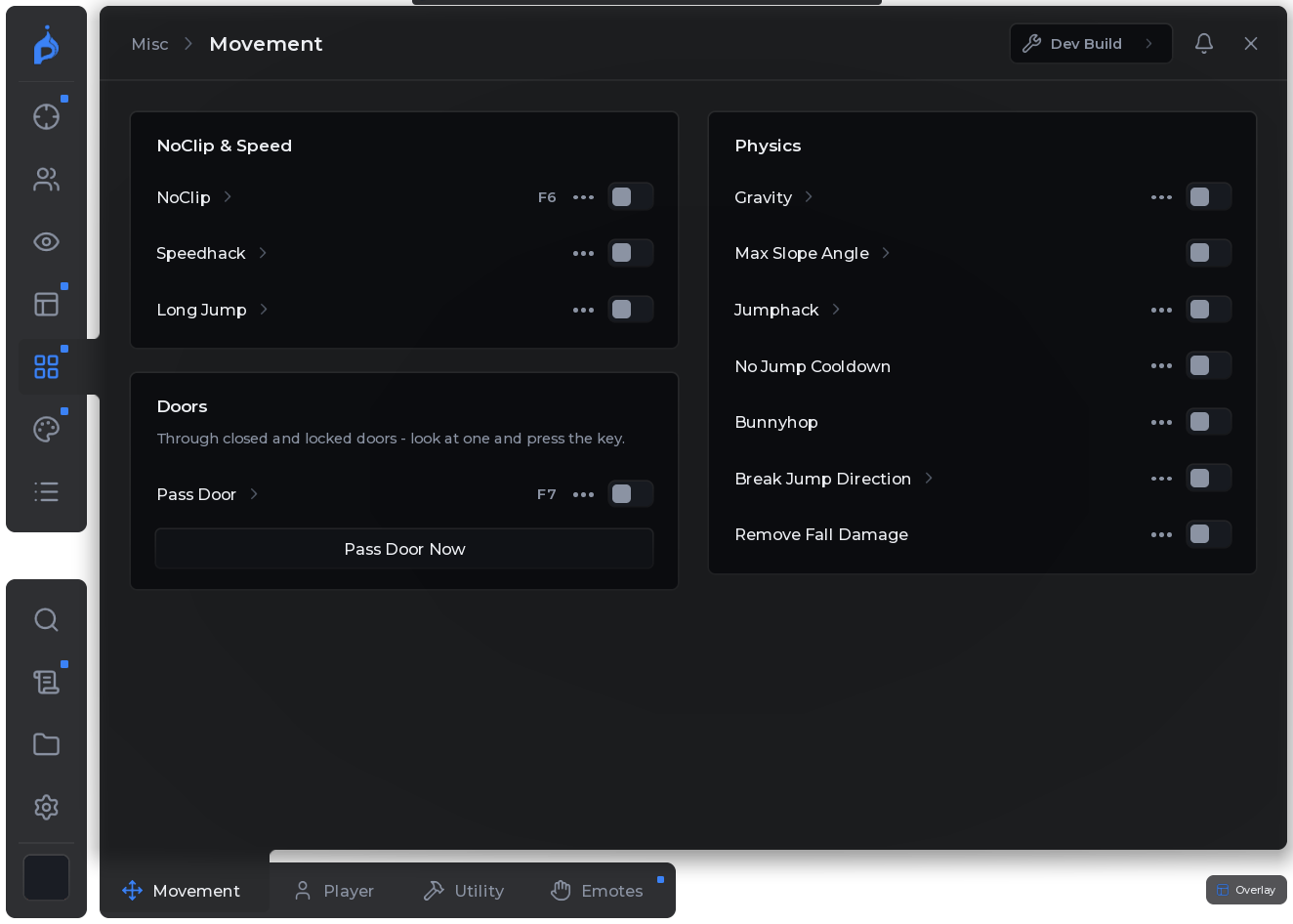
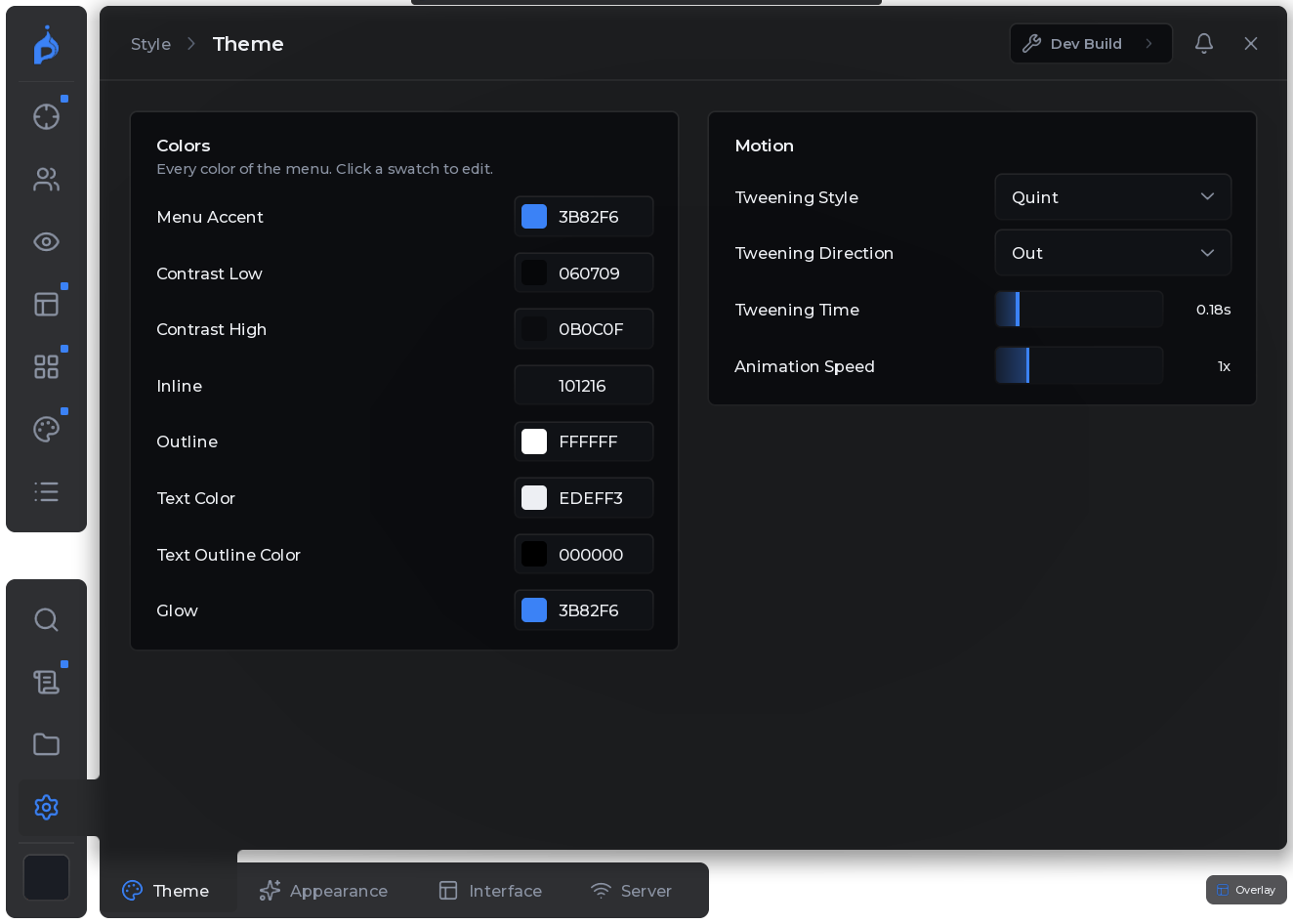
Aimbot with bullet prediction, ESP you can preview on your own character, a radar and 600+ settings - in a menu that stays out of your way until you need it.
v2.0.1Improved · The Pyrix logo in the menu dock and the watermark is bigger and optically centred.v2.0.1Fixed · Intro: the dot now sits exactly on the i of pyrix.v2.0.0New · Lynix is now Pyrix: new name and new logo everywhere in the menu.v2.0.0New · Loading intro: the line folds into the P, the flame rises, the dot lands as its spark.v1.23.2Fixed · Unloading with the X (click twice) now plays the burnout; its smoke drifts out after.v1.23.1Improved · Burnout close: longer wheelspin with a thick smoke cloud, then an even pull-away.v1.23.1Fixed · Closing no longer looks like the menu just pops away.v1.23.0New · Close animation: the menu spins its wheels, shoots off to the right and leaves smoke behind.v1.23.0Improved · Only what you see moves while closing: it stays smooth.v1.22.1New · Close animation: the window is pulled into the logo, the docks follow, the logo closes.v1.22.1Fixed · Closing the menu no longer lags.v1.22.0New · Closing the menu: the window is pulled into the dock, the docks roll up, the mark nods.v1.22.0New · Style › Interface › Close Animation turns it off.v1.21.1Improved · Intro: the dark background fades out softly once the menu stands.v1.21.0New · Intro: an iris closes on the logo's dot, he hops along the loading line.v1.21.0New · The line folds into the logo, the dot hops onto the name and back.v2.0.1Improved · The Pyrix logo in the menu dock and the watermark is bigger and optically centred.v2.0.1Fixed · Intro: the dot now sits exactly on the i of pyrix.v2.0.0New · Lynix is now Pyrix: new name and new logo everywhere in the menu.v2.0.0New · Loading intro: the line folds into the P, the flame rises, the dot lands as its spark.v1.23.2Fixed · Unloading with the X (click twice) now plays the burnout; its smoke drifts out after.v1.23.1Improved · Burnout close: longer wheelspin with a thick smoke cloud, then an even pull-away.v1.23.1Fixed · Closing no longer looks like the menu just pops away.v1.23.0New · Close animation: the menu spins its wheels, shoots off to the right and leaves smoke behind.v1.23.0Improved · Only what you see moves while closing: it stays smooth.v1.22.1New · Close animation: the window is pulled into the logo, the docks follow, the logo closes.v1.22.1Fixed · Closing the menu no longer lags.v1.22.0New · Closing the menu: the window is pulled into the dock, the docks roll up, the mark nods.v1.22.0New · Style › Interface › Close Animation turns it off.v1.21.1Improved · Intro: the dark background fades out softly once the menu stands.v1.21.0New · Intro: an iris closes on the logo's dot, he hops along the loading line.v1.21.0New · The line folds into the logo, the dot hops onto the name and back.
01 · What you get
Built for how Project Delta is played.
Every option has a short explanation on hover. Nothing hidden, nothing that gets in your way during a fight.
Fig 01 · ESP
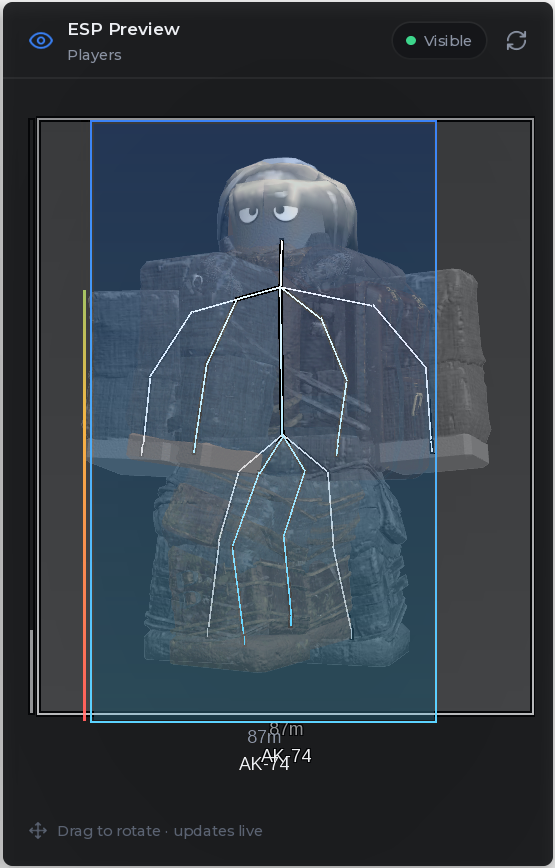
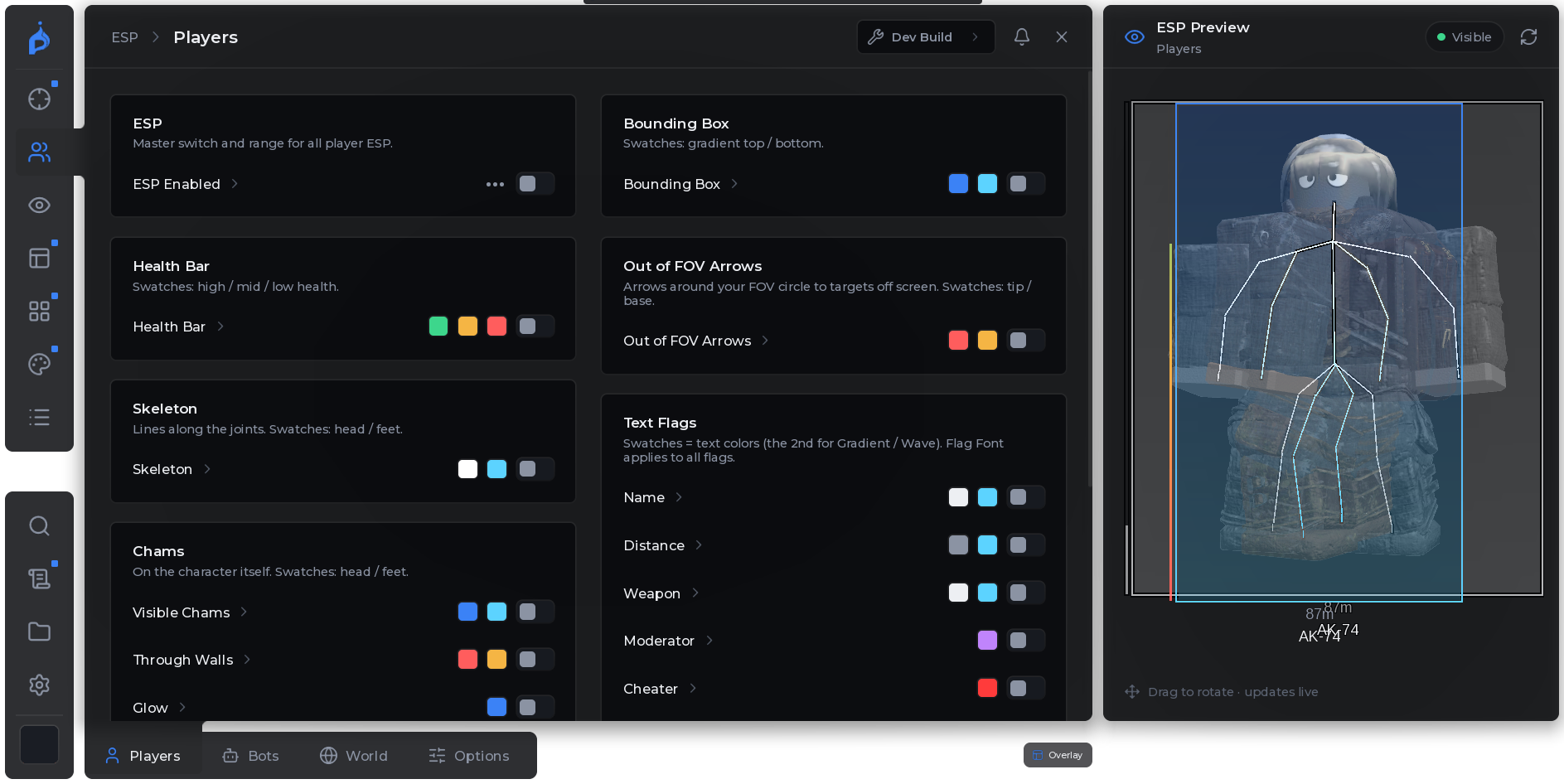
See exactly what you set
Every part of the ESP has its own colours and fonts - and a live preview on your own character shows the result before you join a match.
Fig 02 · Combat
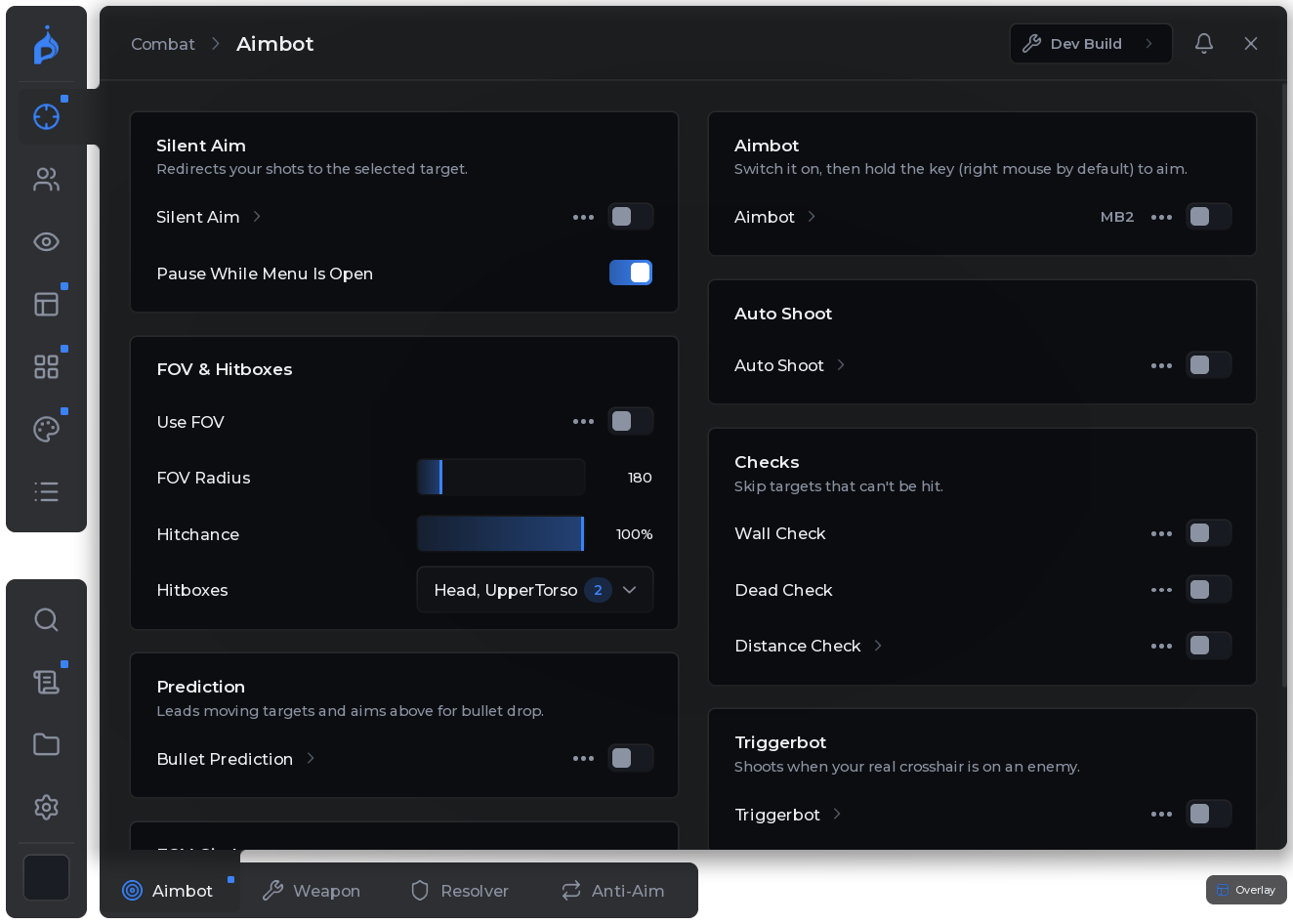
Aim that leads the target
Silent aim and aimbot account for bullet drop and travel time, tuned by FOV, hit chance and hitbox.
Built in the open
Every change is written down - read the whole history in the changelog.
600+Settings
54Updates
$5Per month
Configs in one line
Save your setup, share it as one short code, import a friend's in a click.
Straight from the script's own changelog - now at version 2.0.1.
v2.0.1Oct 14, 2026
Logo polish
ImprovedThe Pyrix logo in the menu dock and the watermark is bigger and optically centred.
FixedIntro: the dot now sits exactly on the i of pyrix.
v2.0.0Oct 14, 2026
Lynix is now Pyrix
NewLynix is now Pyrix: new name and new logo everywhere in the menu.
NewLoading intro: the line folds into the P, the flame rises, the dot lands as its spark.
NewThe wordmark in the intro now reads pyrix.
v1.23.2Oct 14, 2026
Burnout on unload
FixedUnloading with the X (click twice) now plays the burnout; its smoke drifts out after.
05 · FAQ
Questions.
What do I get for $5?
Full access to Pyrix for Project Delta for one month: every feature and every update while your subscription runs. There is only one plan.
How do I get the script after paying?
Your key and the loader appear in your dashboard right away. The key is linked to the Discord account you signed in with.
Can I cancel?
Yes, any time from your dashboard. You keep access until the end of the month you paid for and are not charged again.
Which executor do I need?
One with the common script functions: file access, hooks and custom assets. Pyrix checks what your executor can do and switches off what it can't.
Why do I sign in with Discord?
Your Pyrix account is your Discord account: no password to remember or leak, and your key, support and updates live in one place. We only see your name and avatar.
Is it safe to use?
No script is risk-free. Third-party scripts break Roblox's Terms of Use and can get an account banned. Pyrix is built carefully, but play smart and use an account you can afford to lose.